DJI Neo 2 Review: Everything Wrong After 7 Months
Seven months in, the DJI Neo 2 is the drone I reach for most. It's also got a featherweight battery, a fiddly lens cap, Spotlight that won't go overhead, grainy footage and a habit of losing clips. Here's everything wrong with it, and why I still fly it.

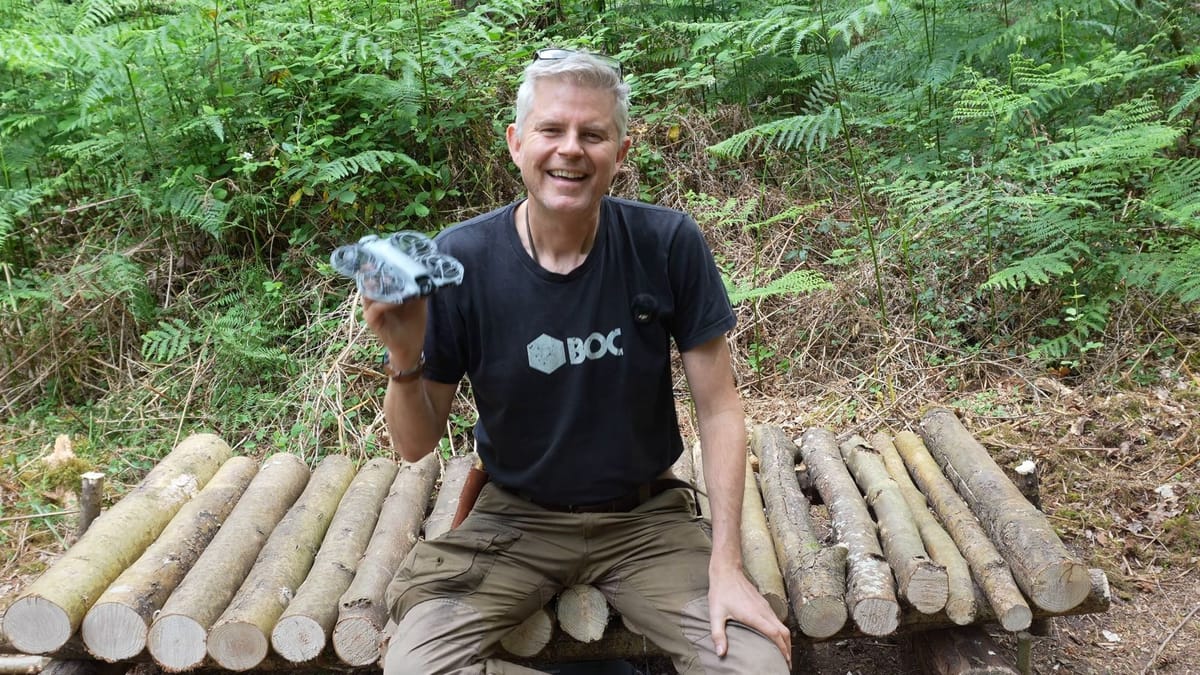
After seven months, my DJI Neo 2 review comes down to this: it's a brilliant little drone for solo filmmakers, and I now reach for it more than any of my other drones. But it's not perfect.
The battery runs flat after about 7 or 8 minutes, the slightest gust pushes it about, the footage is grainy, and it will throw away a whole clip if you power it off before you stop recording. Here's everything wrong with it, then why I'm still flying it.
This post contains an Amazon affiliate link. If you buy through it, I may earn a small commission at no extra cost to you.
Watch the video to see Spotlight mode refuse to fly over my head, and the drone go from switched off to airborne in seconds.
DJI Neo 2 specs and how I tested it
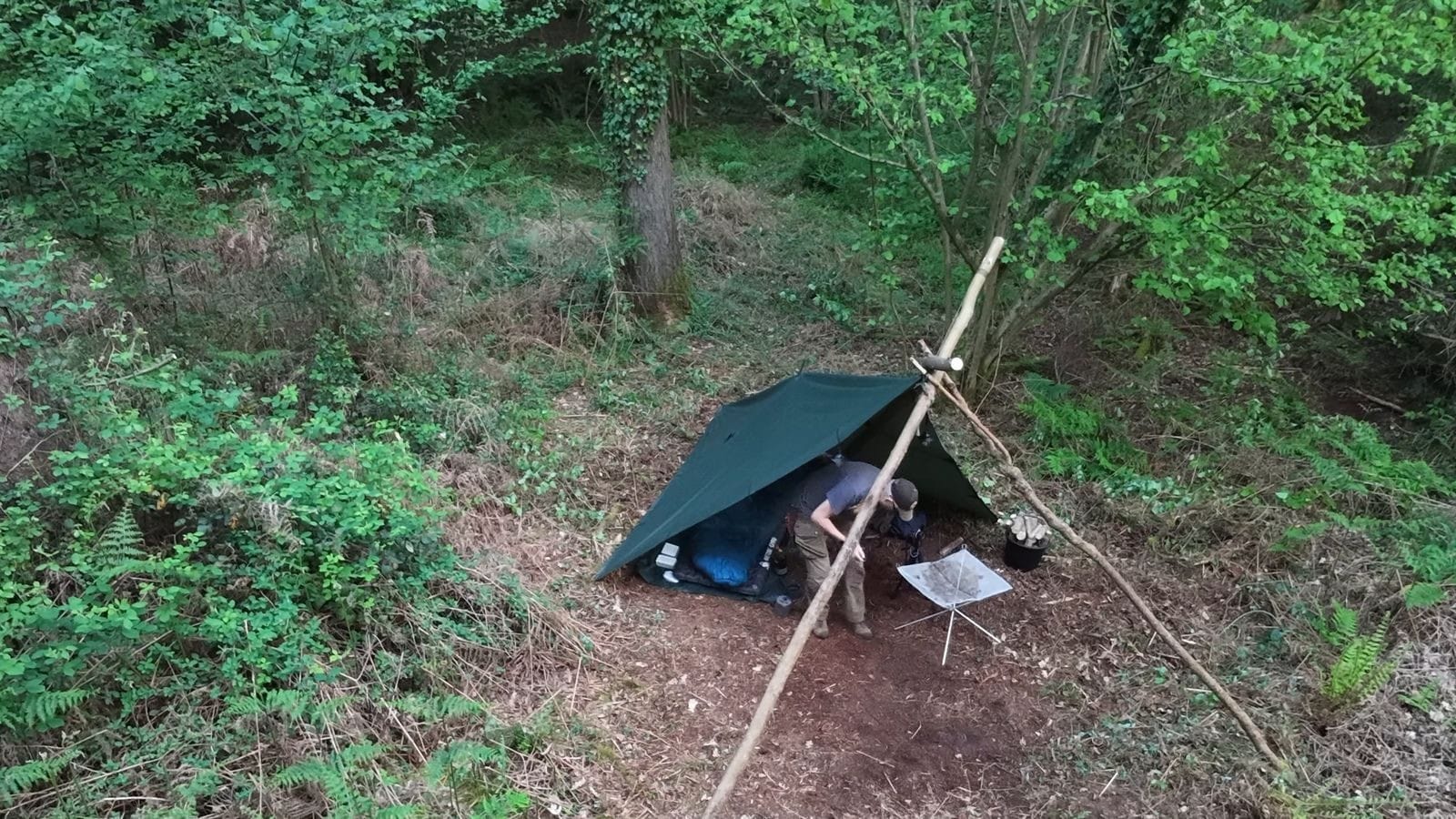
I've had the Neo 2 for seven months. I've flown it in the woods, on walks and from my kayak, mostly hands-free with gesture control, and sometimes with a controller and the transceiver clipped on.
| Spec | DJI Neo 2 |
|---|---|
| Weight | 151 g on its own (DJI's figure), a little more with the propeller guards and transceiver |
| Flight time (DJI's claim) | About 19 minutes, or about 17 minutes with propeller guards |
| Flight time (my use) | About 7 to 8 minutes a battery, 10 at a push |
| Battery (DJI's figures) | 1606 mAh Li-ion, 46 g |
| Storage | 49 GB internal (DJI's figure); no memory card slot |
| Video | 4K landscape; portrait is 2.7K (DJI's figure) |
| Control | Gesture control, phone app, or a controller with the transceiver |
| How long tested | 7 months |
DJI's figures come from the DJI Neo 2 spec sheet. I've split the problems into the same four areas as the video: hardware and design, flight and performance, image quality, and software and controls.
Hardware and design problems
The lens cap never goes on first time
I find the lens cap infuriating. You never know which way round it goes, and it doesn't want to clip in smoothly or securely.
I'm still not sure whether you're meant to do the top first or the bottom first. If it just said "top" and "bottom", it would be so much easier.
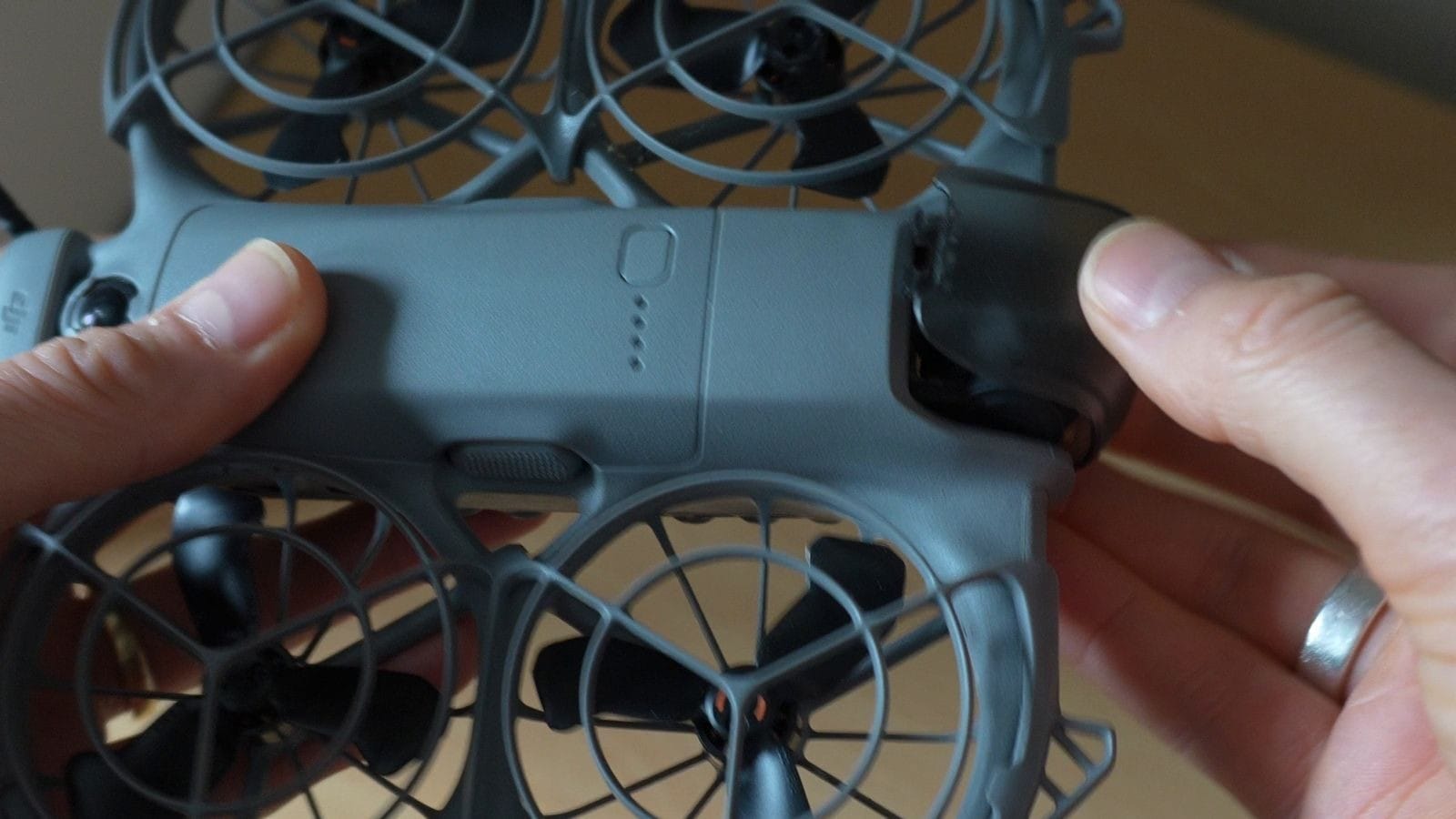
The battery is far too light
My Neo 2 runs out of battery after about 7 or 8 minutes of flight. That's not a very long time.
The drone weighs 151 g, a bit more with the propeller guards, which I'd say are essential. The battery itself feels very, very light, and I think DJI could easily have added more capacity to make it last longer. I go into this more in how long the Neo 2 really flies.
No memory card slot
There's nowhere to put a memory card. You're limited to the drone's built-in storage, which makes it a bit awkward when you're filming a lot.
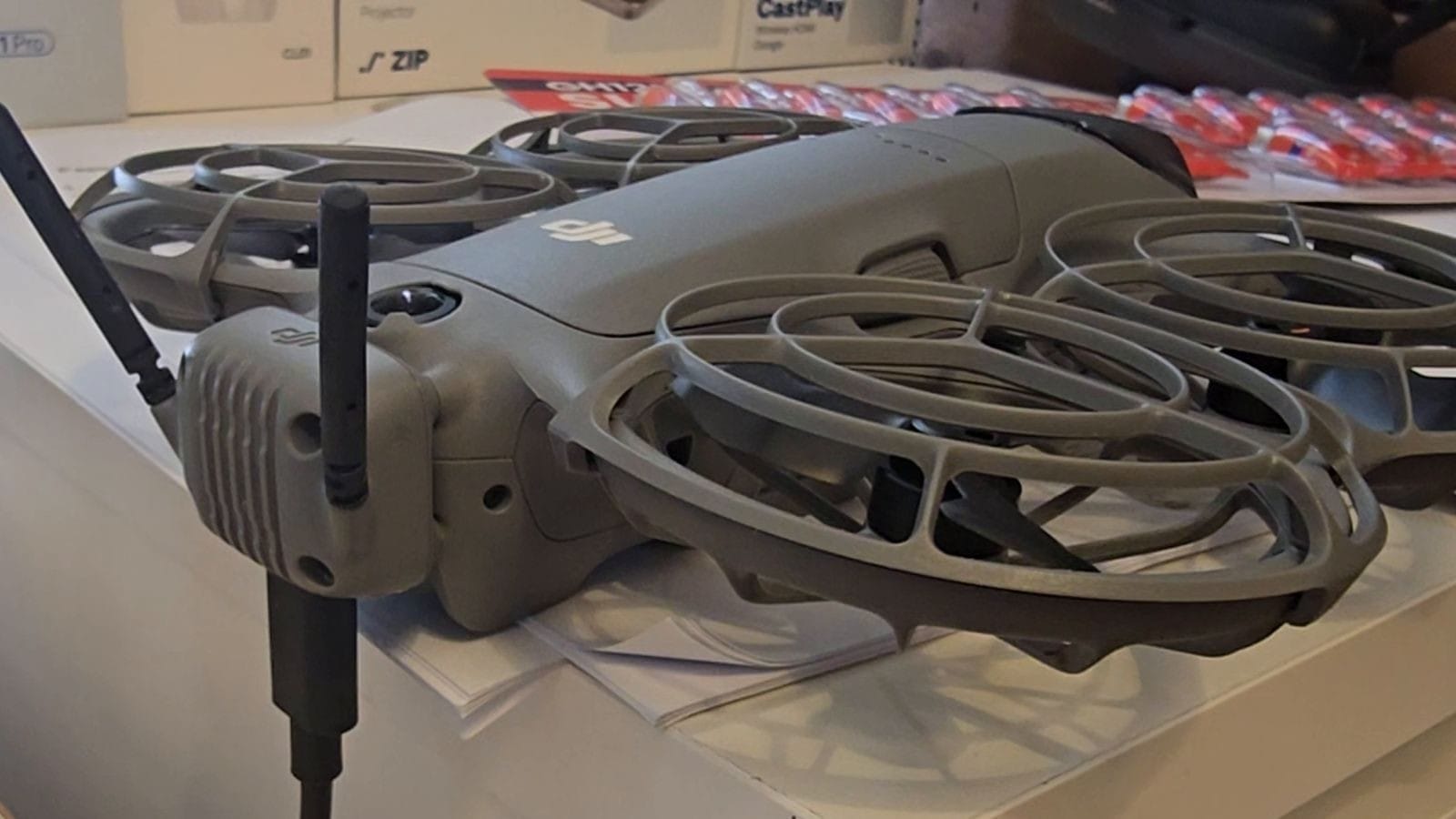
The USB-C port is underneath
For reasons I don't understand, the USB-C port sits underneath the drone, where the transceiver covers it. When you transfer footage, you can't plug it in and put it down.
You either turn it upside down onto its little dangly bits, or do what I do: hang it off the edge of a table with the cable coming out, where it's just waiting to be knocked. It should be at the back or along one side.
Flight and performance problems
Spotlight mode won't sit overhead
Spotlight is one of the most useful modes. You put the drone where you want it and it stays still, while the gimbal tilts and the camera turns to follow you.
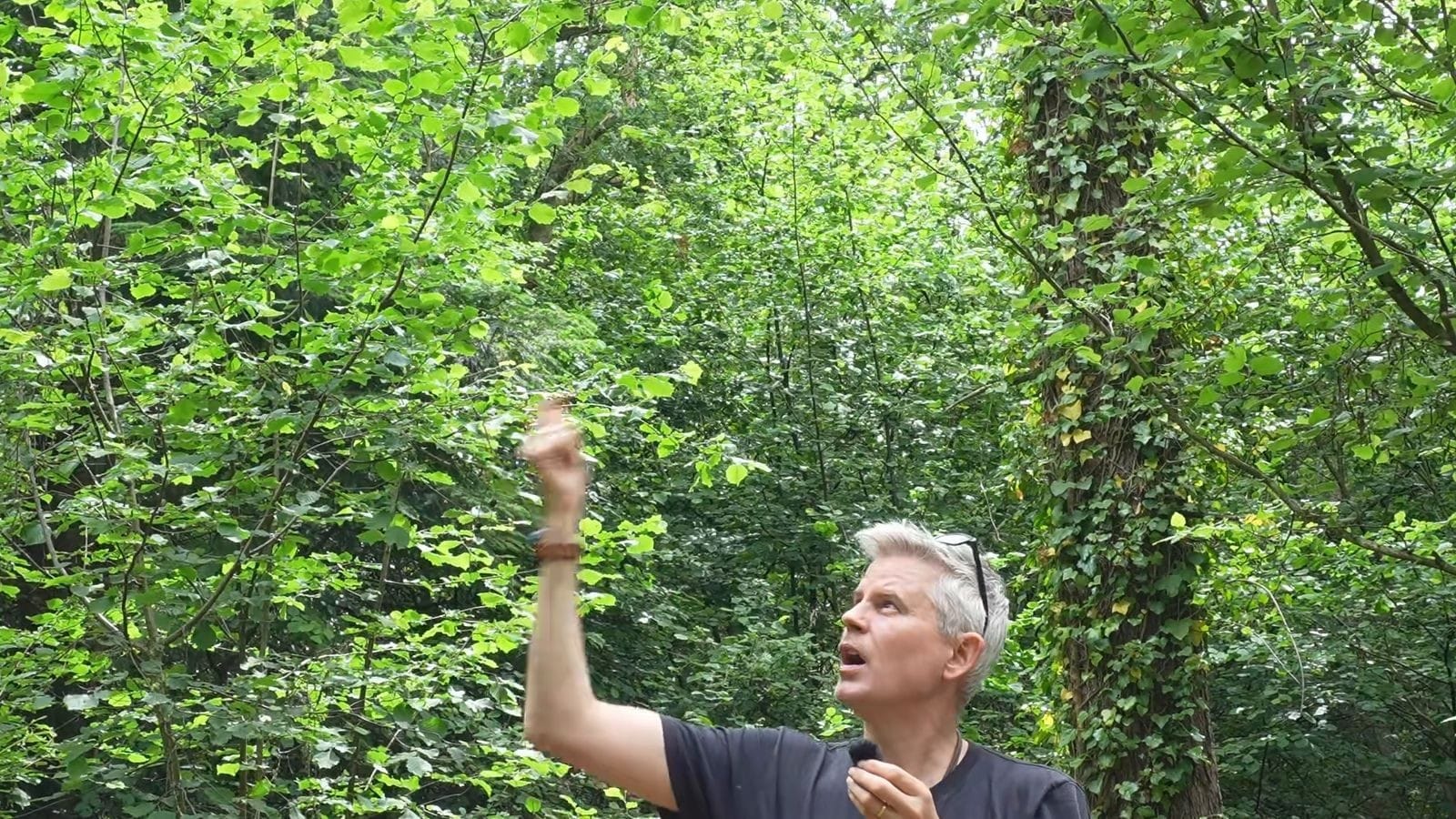
The problem is position. I want it directly overhead to film what I'm doing with my hands, but the closest it will come is about 1 or 2 metres away, and never over my head.
Even in the app on manual control it won't go. You can see this in the Spotlight demo (3:31), and I've covered it in full in what Spotlight mode can and can't do.
Follow mode is stop-start
Follow is the mode I use next most. When the drone flies in front of you, it has to guess where you're going, and it assumes straight on. I don't mind that; it's not a mind reader.
From behind, though, it knows exactly where you've been, and it still gets into trouble. The footage ends up stop-start rather than fluid.
Palm landing won't spot me in a kayak
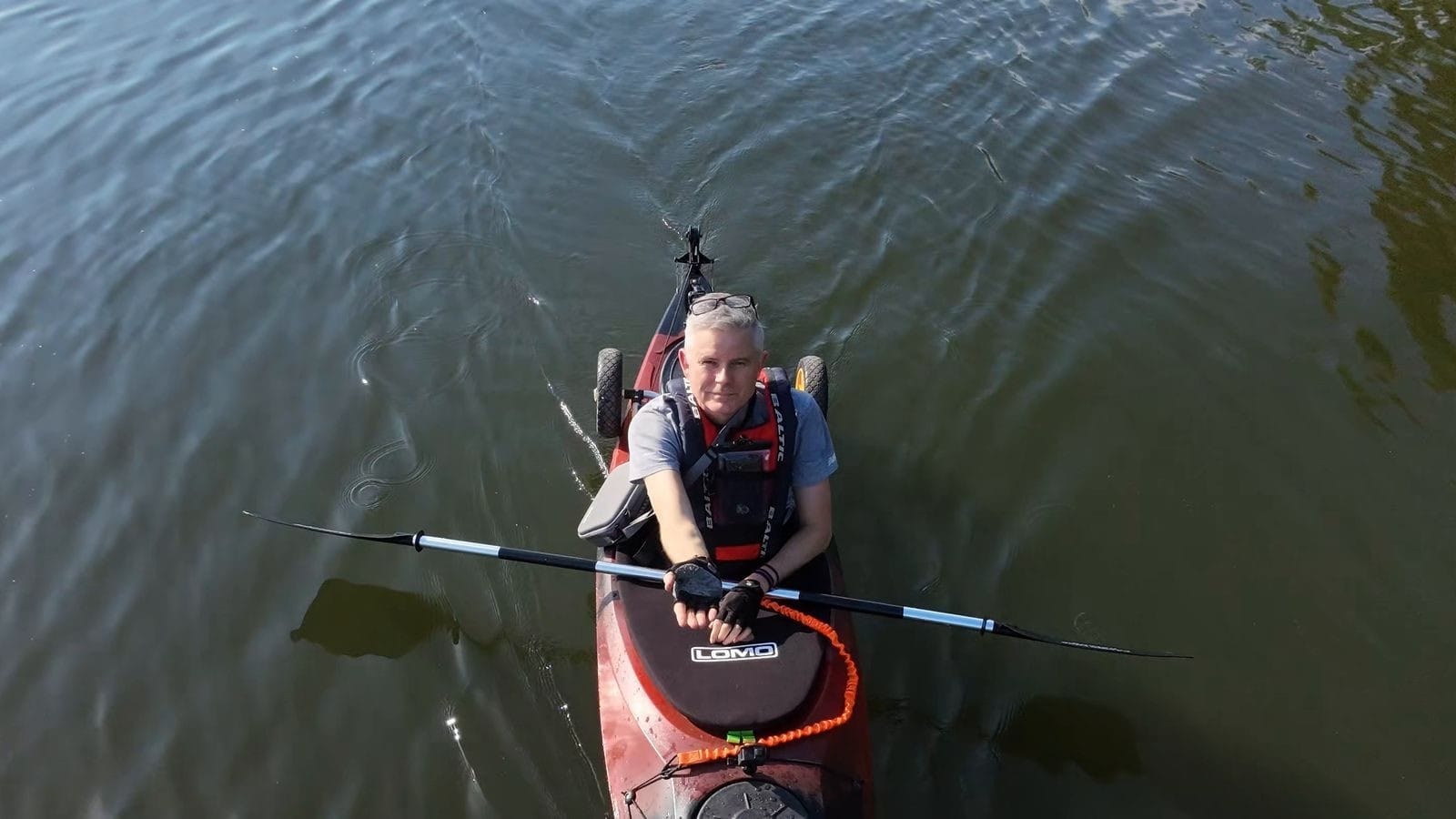
One of my main uses is filming myself kayaking or canoeing. The footage over water is incredible, because there's no other way to get it.
DJI say you shouldn't fly it over water or highly reflective surfaces, so I'm not complaining about that. What I do find is that when I'm sat in the kayak, it won't see me to return to my palm and land.
I have to get my phone out, connect, fly it over and grab it out of the air. I've also filmed my first paddle in the Cambridge Kayaks Adventure 350. More on landing in flying the Neo 2 from a kayak.
No top-down follow
In follow mode you can put the drone anywhere around you in 360 degrees, and add a bit of height. You can't put it directly above you, pointing down, and have it track along.
It's a shot you see all the time in films: a car or a walker in a landscape, with the camera looking straight down as it follows. It's a fantastic shot, and the Neo 2 can't do it.
It gets blown about by the wind
If there's the slightest gust, the Neo 2 struggles to hold its position. My other drones do a much better job of staying locked in one place.
It's small and maybe less powerful, and it gets blown around an awful lot, which makes it hard to use in anything more than a very light breeze. I've written up how much wind is too much for it.
Image quality problems
Portrait mode is just a crop
Social media has to be one of the main reasons people buy this drone. In the app you can record portrait video, but all it does is crop your footage.
Most modern drones rotate the gimbal, but this one doesn't have the range of movement. So you lose the full 4K quality; DJI list portrait video at 2.7K.
Grainy, over-sharp footage
The output is very grainy and very sharp, and it takes quite a lot of work in the edit to get it into a form you can really use.
For cinematic landscape shots, it's not really suitable. The image quality just isn't quite there.
Software and controls problems
Power off before you stop recording and the clip is gone
This is the most irritating issue of all, and in my experience it applies to DJI's other drones too. You take off, record your perfect shot, forget to stop recording, land and power off. That footage is lost.
I think it's because the power button is on the battery, so pressing it cuts power to the whole drone.
The fix is simple: a setting in the app that stops recording automatically on landing. I explain the habit that saves you in why the Neo 2 loses footage, and you can hear the full rant at 9:30 in the video.
No speed control when flying from the app
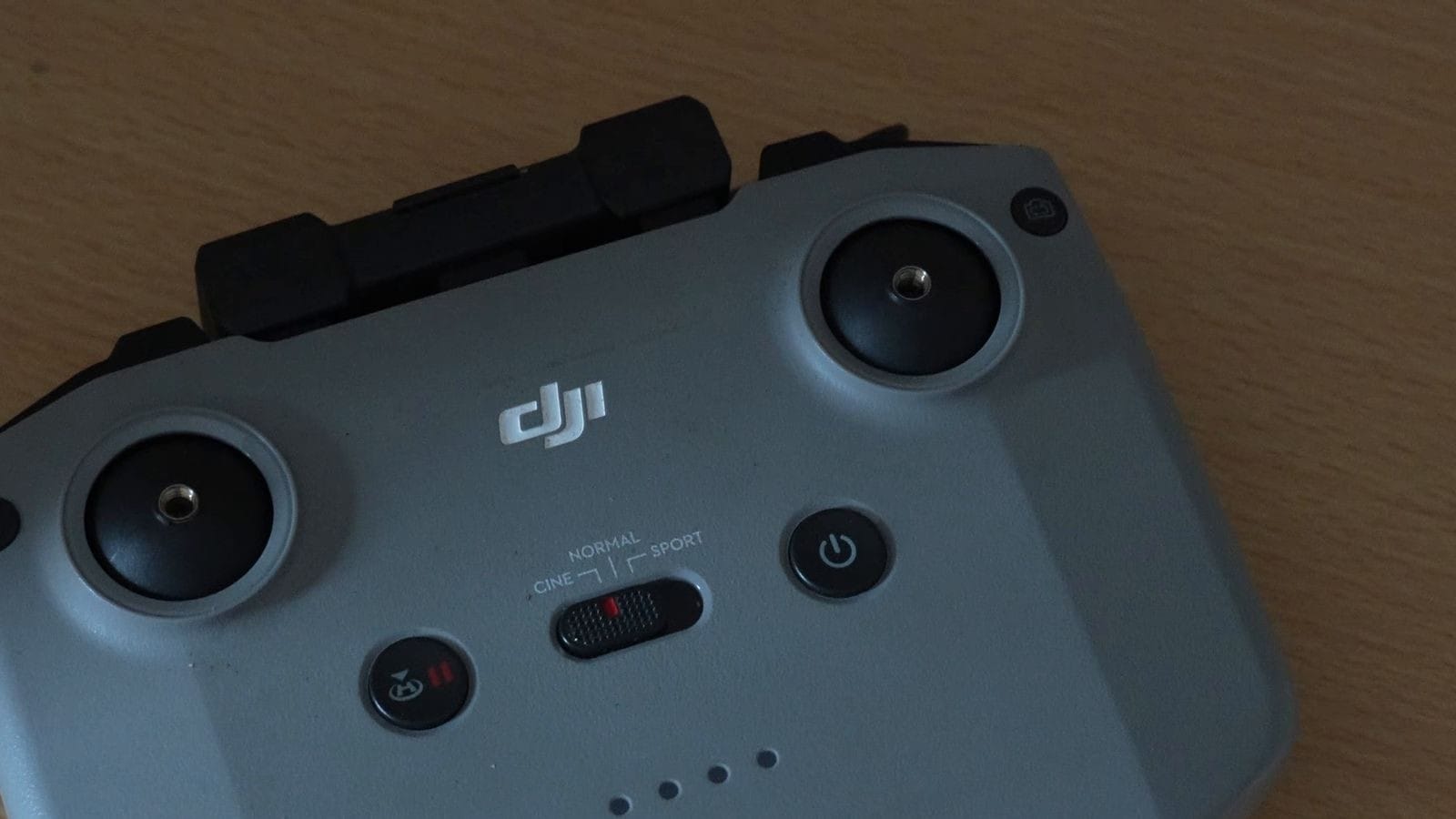
With a controller you get three speed settings: cine, normal and sport. I use them constantly: sport to get into position, cine for the shot, sport to fly back.
The whole point of the Neo 2 is that you don't need the controller. But when you fly it manually in the app, there's no maximum speed setting.
The on-screen control is very small, and it's hard to hold a smooth, steady speed. A speed selector would only be a software fix.
Pros and cons of the DJI Neo 2
The good stuff
- Up and running in seconds: press a button and it's off and tracking you.
- No controller, no phone and no waiting for GPS before you can fly.
- Gesture control to position it, and it follows you around.
- Tiny: 151 g, and it fits in a pocket.
- Footage from a kayak that you can't get any other way.
- Cheap enough that a crash wouldn't be the end of the world. You're not risking a thousand pounds.
The downsides
- About 7 or 8 minutes a battery in my use.
- Struggles in anything more than a light breeze.
- Grainy footage, and portrait video is a crop.
- Spotlight won't sit overhead, and there's no top-down follow.
- Loses the clip if you power off while recording.
- No memory card slot, a USB-C port underneath, and a fiddly lens cap.
Why I still fly the DJI Neo 2
I still love this drone, and I'm going to carry on using it. With a controller-paired drone, you get the controller out, get your phone out, plug it in, turn the drone on and wait for GPS. The whole thing is a faff.
With the Neo 2, you press a button and it's up. Maybe it's got GPS by then, maybe not; it doesn't matter, because it's tracking you and you can position it with gestures. Watch it go from off to flying (12:15).
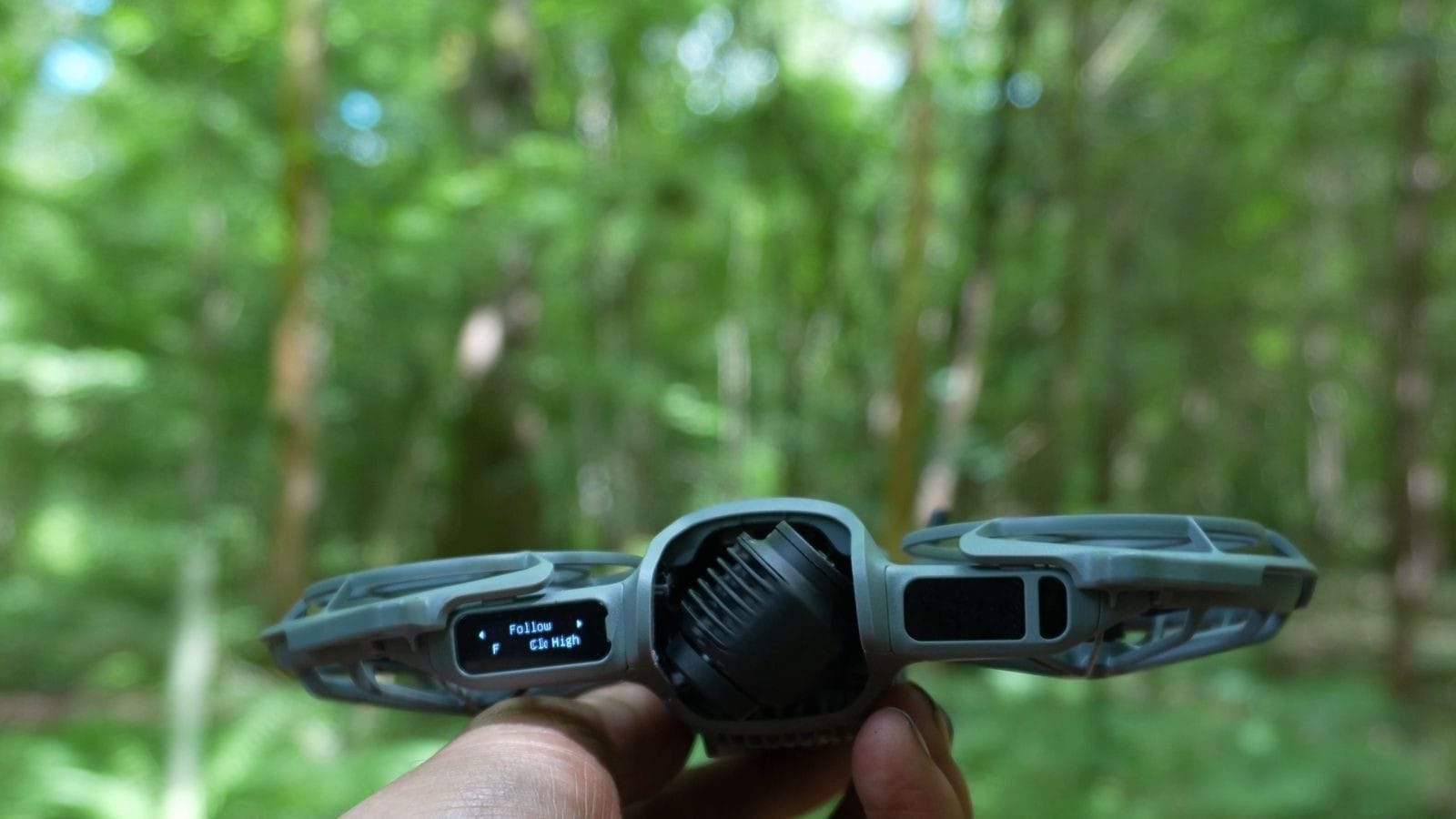
DJI call it a beginner's drone, which makes no sense to me. The skill is in picking the shots, not the flying, as I explain in is the Neo 2 a beginner drone. I'd happily pay a bit more for a Neo 3 or Neo 4 that fixes some of these issues.
Alternatives to the Neo 2
If you want steadier footage in wind and proper speed control, a larger drone flown with a controller is the better tool. My other drones hold their position much better and give you cine, normal and sport modes.
The trade-off is the faff of setting up, which is exactly why the Neo 2 gets used more. If you mainly want quick, hands-free clips of yourself outdoors, the Neo 2 still wins.
DJI Neo 2 review verdict: is it worth it?
Yes, if you film yourself outdoors and value getting a shot quickly over getting a perfect one. Skip it if you want clean cinematic landscapes or fly somewhere windy. Most of these niggles are software fixes DJI could push tomorrow.
If you want one, here's the DJI Neo 2 on Amazon. Watch the full video, then subscribe to Camp With Matt for more long-term gear reviews.